
The efficiency and safety of an industrial environment depend heavily on the bridge between the human operator and the machine. A well-designed operator interface does more than just look professional; it reduces cognitive load, prevents user error, and ensures that critical information is accessible during high-pressure situations. When building or upgrading a control panel, the selection and placement of Human-Machine Interfaces (HMIs), switches, and indicators are the most vital decisions a designer can make.

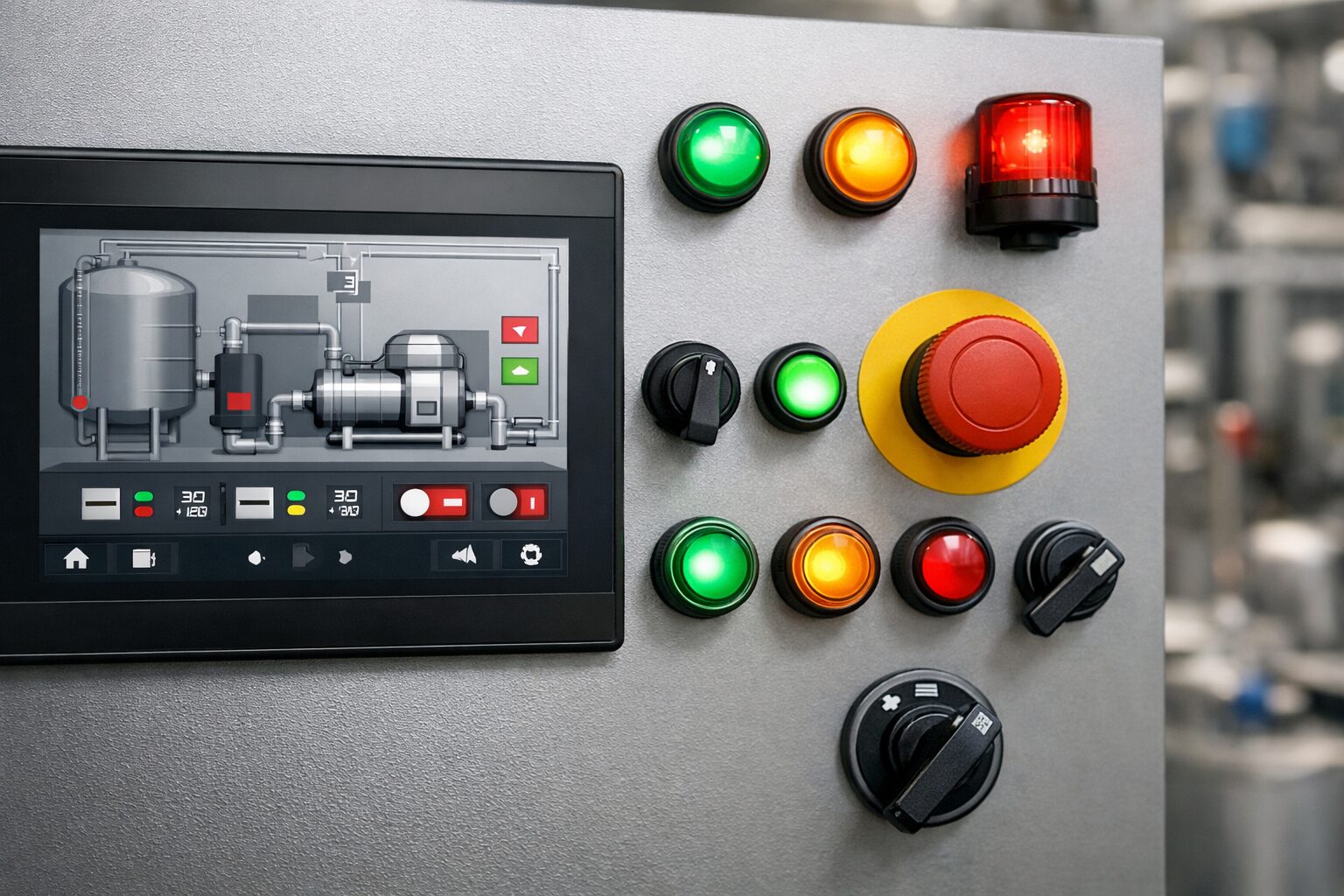
HMIs serve as the primary window into the operation, and their effectiveness relies on the design. It is best practice to avoid overly complex, complicated graphics which can distract the eye. Instead, using muted background colours like grey and saving bright colours exclusively for alarms or status changes, is much more effective. This ensures that an operator’s attention is instantly drawn to where it is needed most, when it is needed the most. Navigation should also be intuitive, with a shallow menu structure that allows users to access any critical screen within two or three touches.
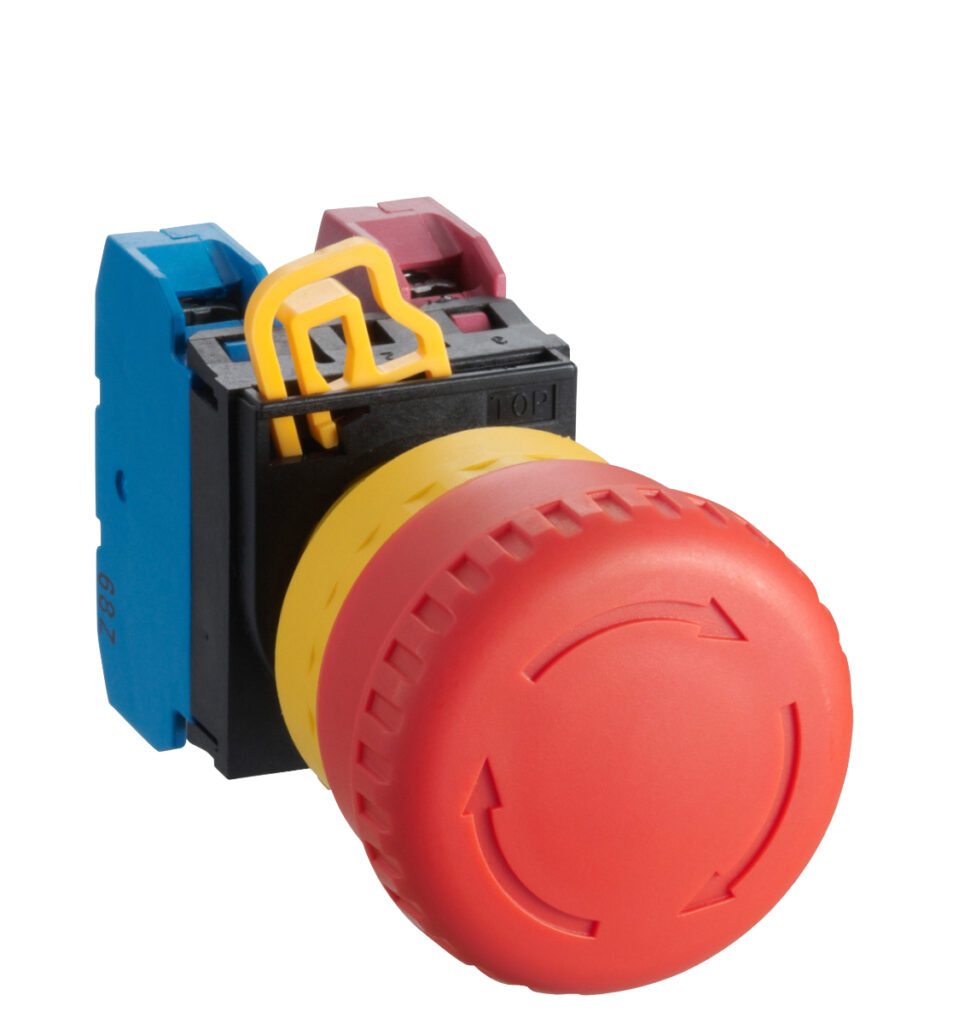
While digital screens provide deep data, physical switches and pushbuttons remain essential for tactile feedback and immediate action. Critical functions, such as emergency stops or common start/stop sequences, should always be assigned to high-quality physical switches. When selecting these components, considering the ergonomics and the environment is essential. For example, if operators wear gloves, larger pushbuttons are necessary to ensure the action is registered. Consistency in the layout of these switches across different panels in a facility can also significantly reduce the learning time for new staff.